Apple’s ARKit turns an iPhone into a markerless 3D motion tracker — no markers, no lab. But how good is ARKit motion capture accuracy, really? I put the app to the test across 10 exercises with 11 participants, comparing ARKit’s joint angles against a 2D video-analysis reference. This post (summarised in the video above) walks through what I found, with the actual error numbers — and the short version is that accuracy depends heavily on the pose.
Table of Contents
How I tested ARKit’s accuracy
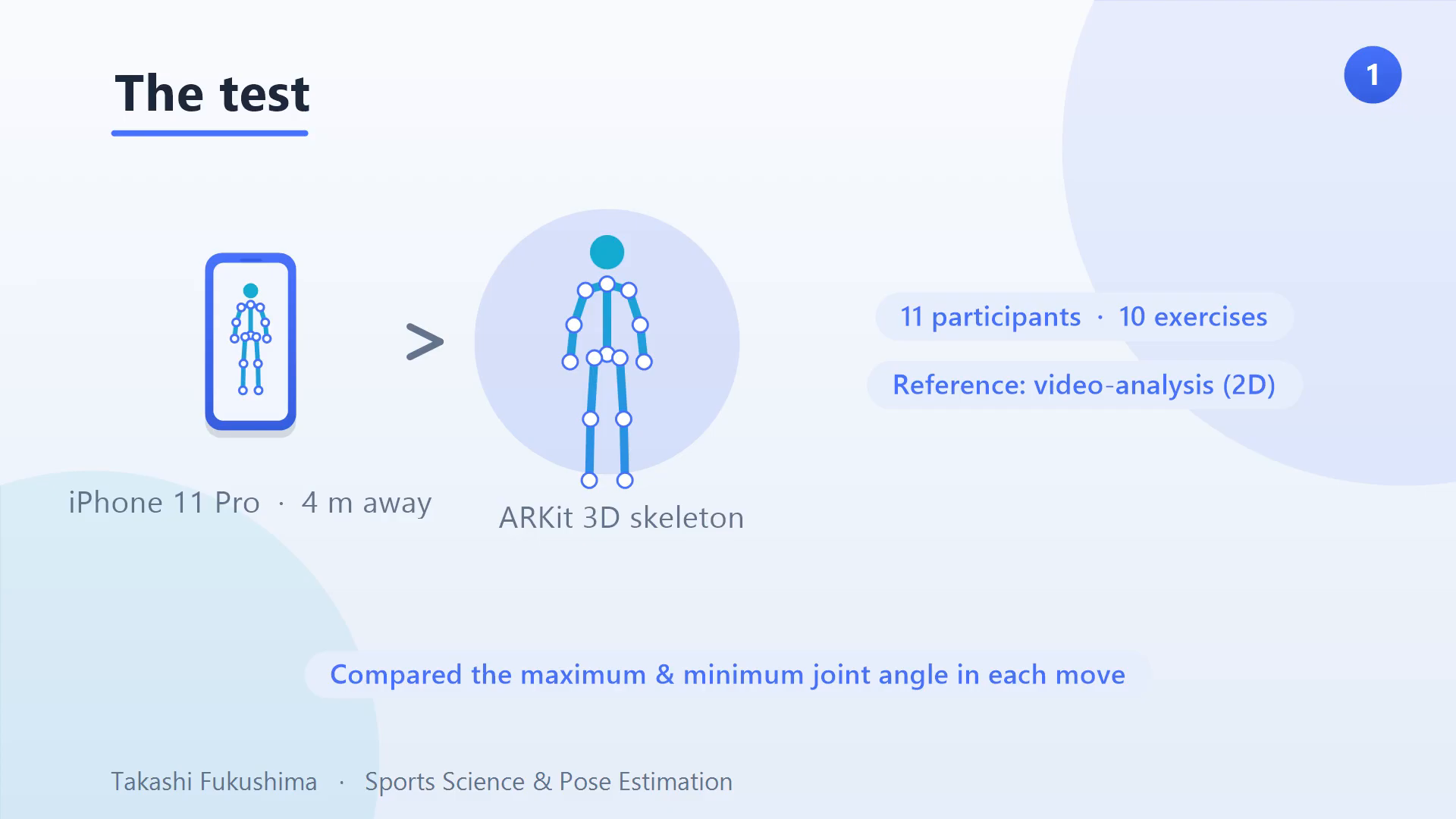
The setup was simple: 11 participants performed 10 exercises, filmed by an iPhone 11 Pro about 4 metres away. The ARKit app’s joint angles were compared against a video-analysis reference — for both the maximum and minimum angle in each movement. That max/min split turns out to matter enormously, because ARKit is not equally accurate across a movement.
It looks perfect on screen — the numbers disagree
Here is the catch. On screen, the tracking looks flawless — the skeleton hugs the body, and you would happily trust it. But the numbers underneath tell a different story: accuracy depends heavily on the pose. A convincing overlay is not the same as a correct measurement, and that gap is the whole point of this evaluation.
Where ARKit is accurate
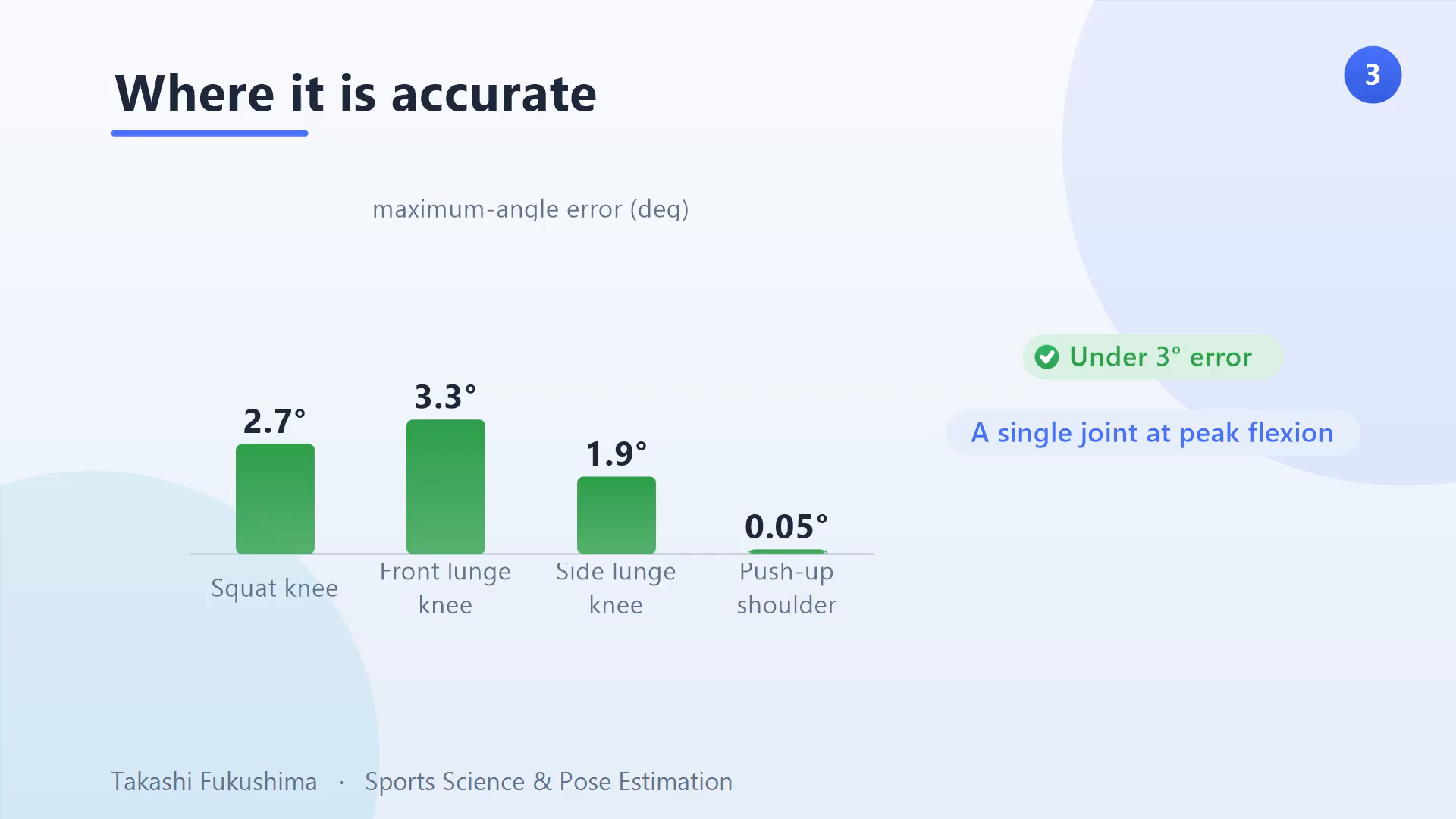
ARKit shines at the peak angle of a flexed joint. Maximum knee flexion in the squat was off by under 3°; the front lunge by about 3°; the side lunge by under 2°; and the maximum shoulder angle in a push-up was near perfect. For a single joint at peak flexion, ARKit motion capture is genuinely accurate.
| Exercise & joint | Angle measured | Error vs reference |
|---|---|---|
| Squat — knee | Max flexion | 2.7° |
| Front lunge — knee | Max flexion | 3.3° |
| Side lunge — knee | Max flexion | 1.9° |
| Push-up — shoulder | Max angle | 0.05° |
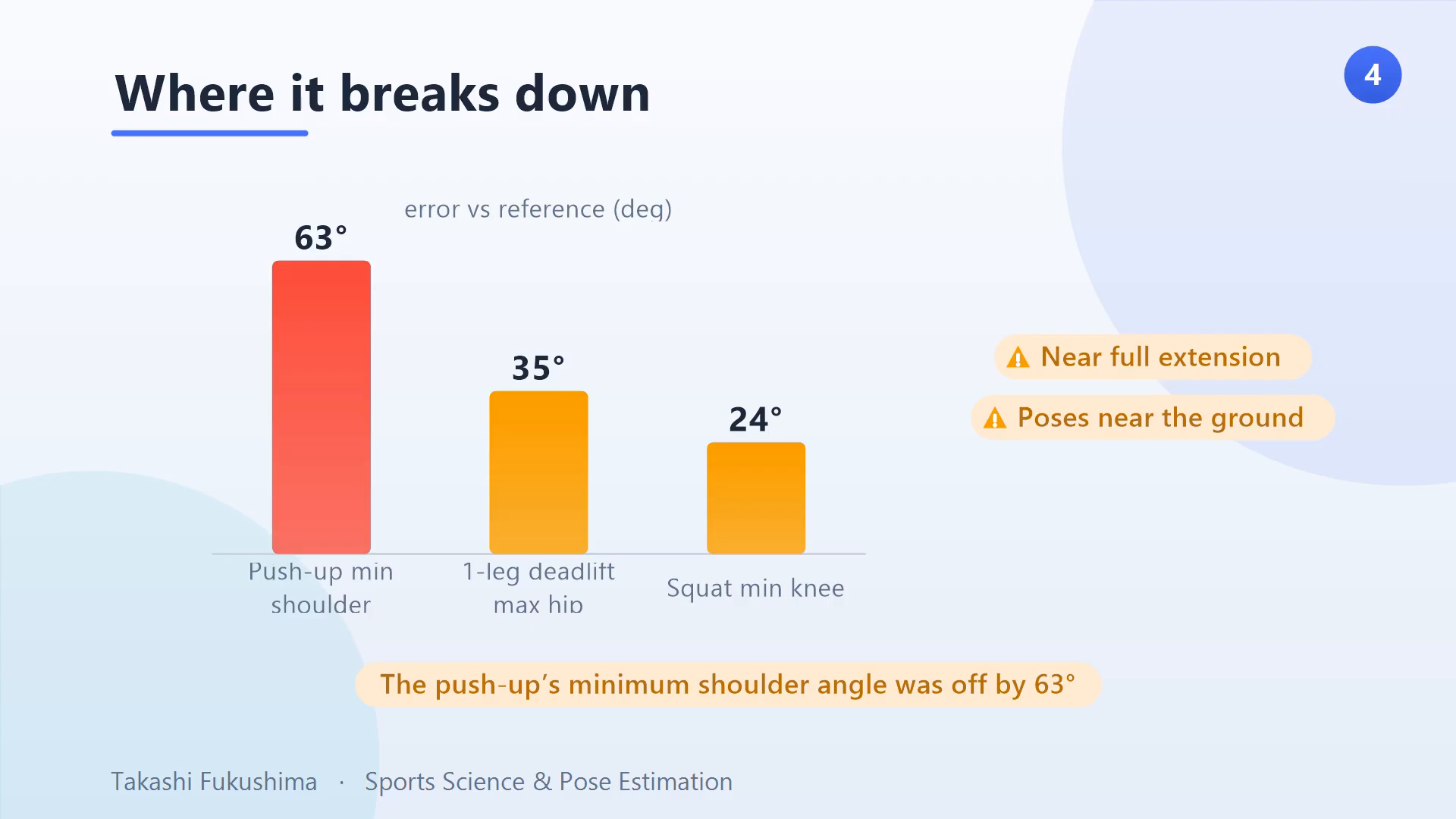
| Push-up — shoulder | Min angle (near floor) | 63° |
| One-leg deadlift — hip | Max angle | 35° |
| Squat — knee | Min angle (near extension) | 24° |
Where ARKit breaks down
The errors balloon near full extension and near the ground. The minimum knee and hip angles were off by 20° or more, and the minimum shoulder angle in a push-up — where the body is close to the floor — was off by a staggering 63°. Same app, same recording; only the pose changed.
The consistent pattern behind the errors
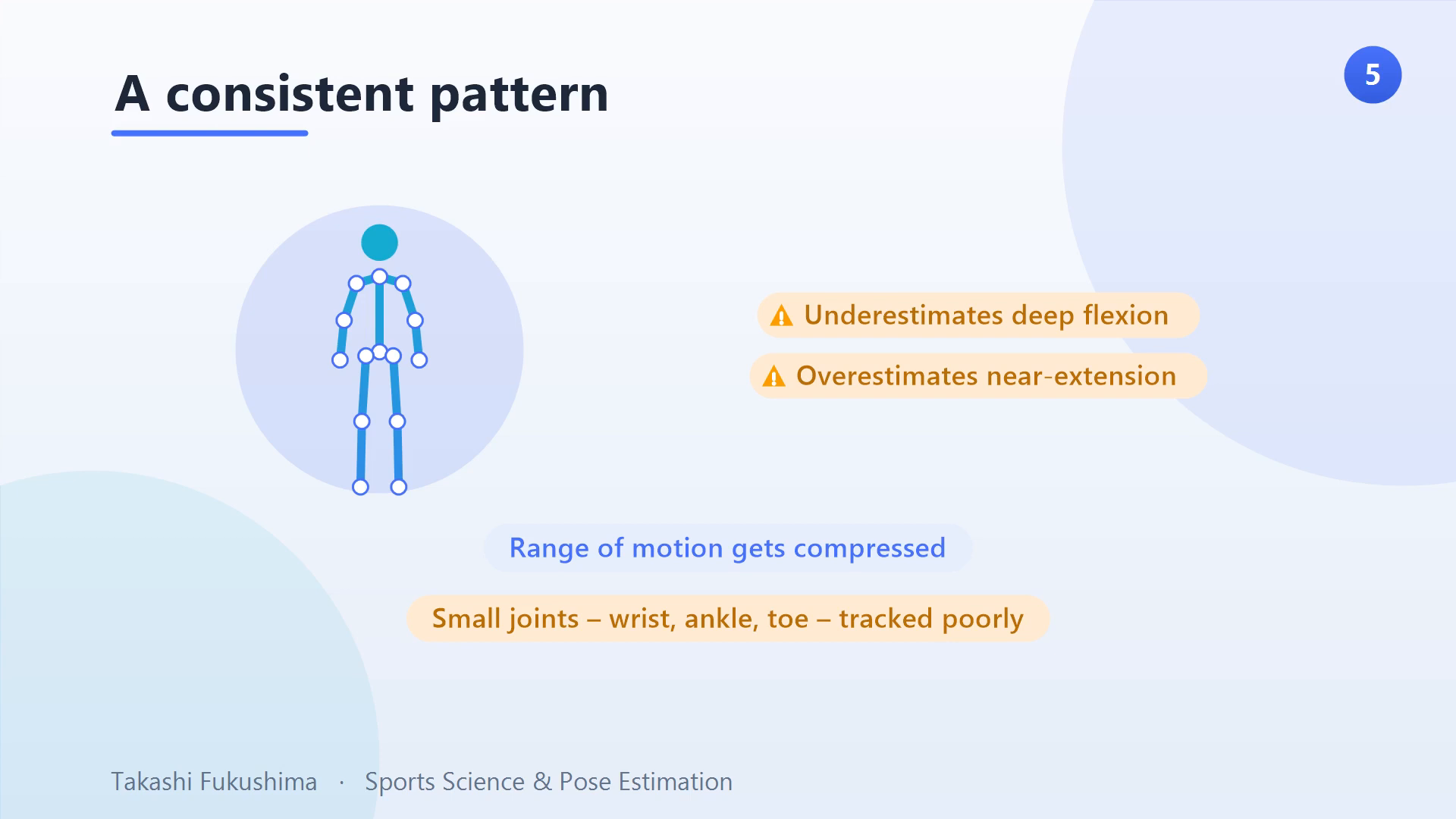
Across exercises, one pattern held: ARKit underestimates deep flexion and overestimates near extension, so it compresses the range of motion. It also tracks small joints — the wrist, ankle, and toe — poorly, which drags down the joints attached to them. The result is measurements that look plausible but systematically shrink the movement.
Why the errors happen
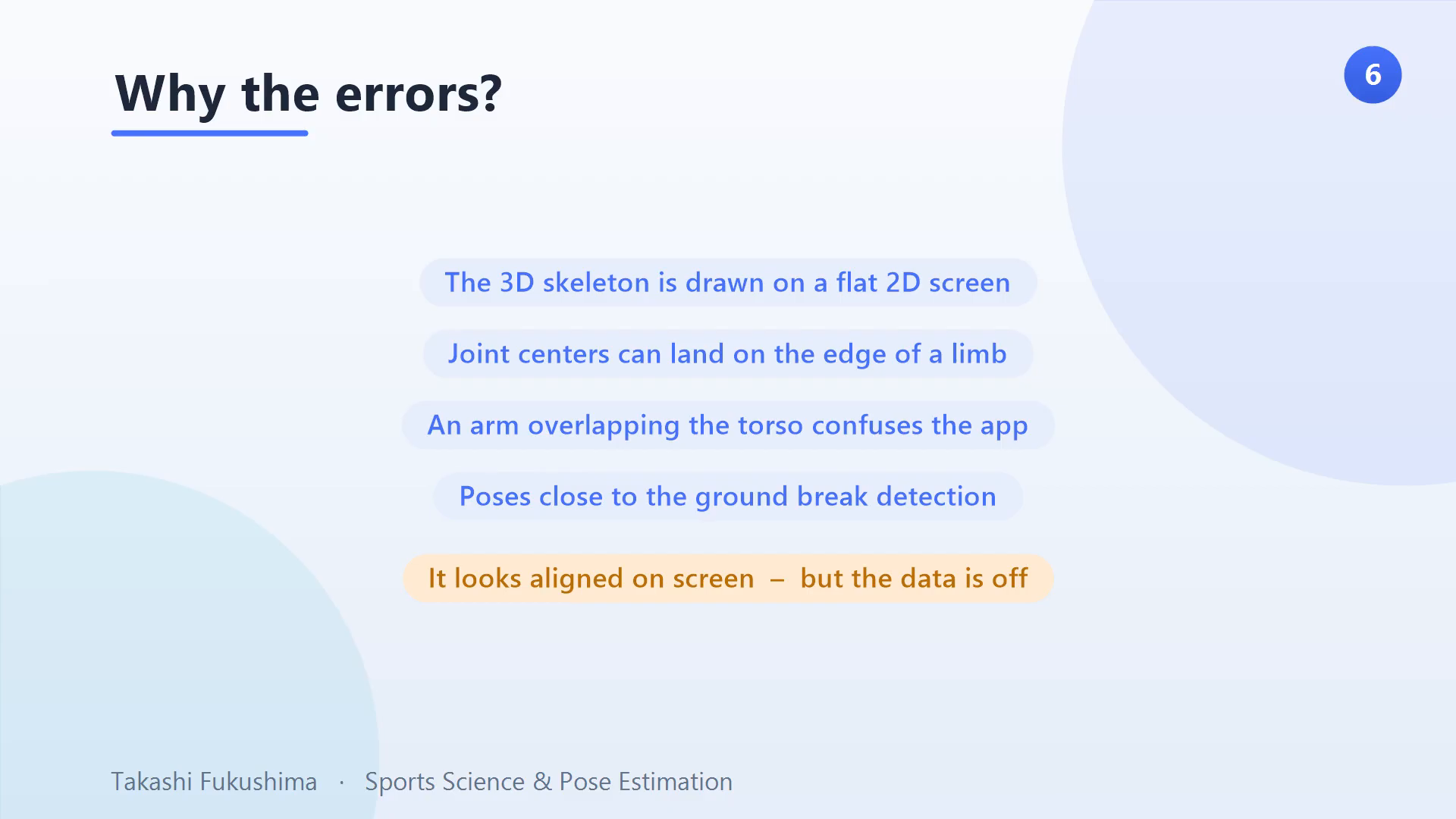
The root cause is that the 3D skeleton is drawn on a flat screen, so it looks aligned even when the joint centres land on the edge of a limb rather than inside it. When an arm overlaps the torso, or the body is near the ground, the app cannot tell the parts apart — and that is exactly what wrecks the push-up measurement. It looks aligned on screen, but the underlying data is off. This is the same single-camera depth ambiguity discussed in our overview of 3D markerless motion capture approaches.
A safety note
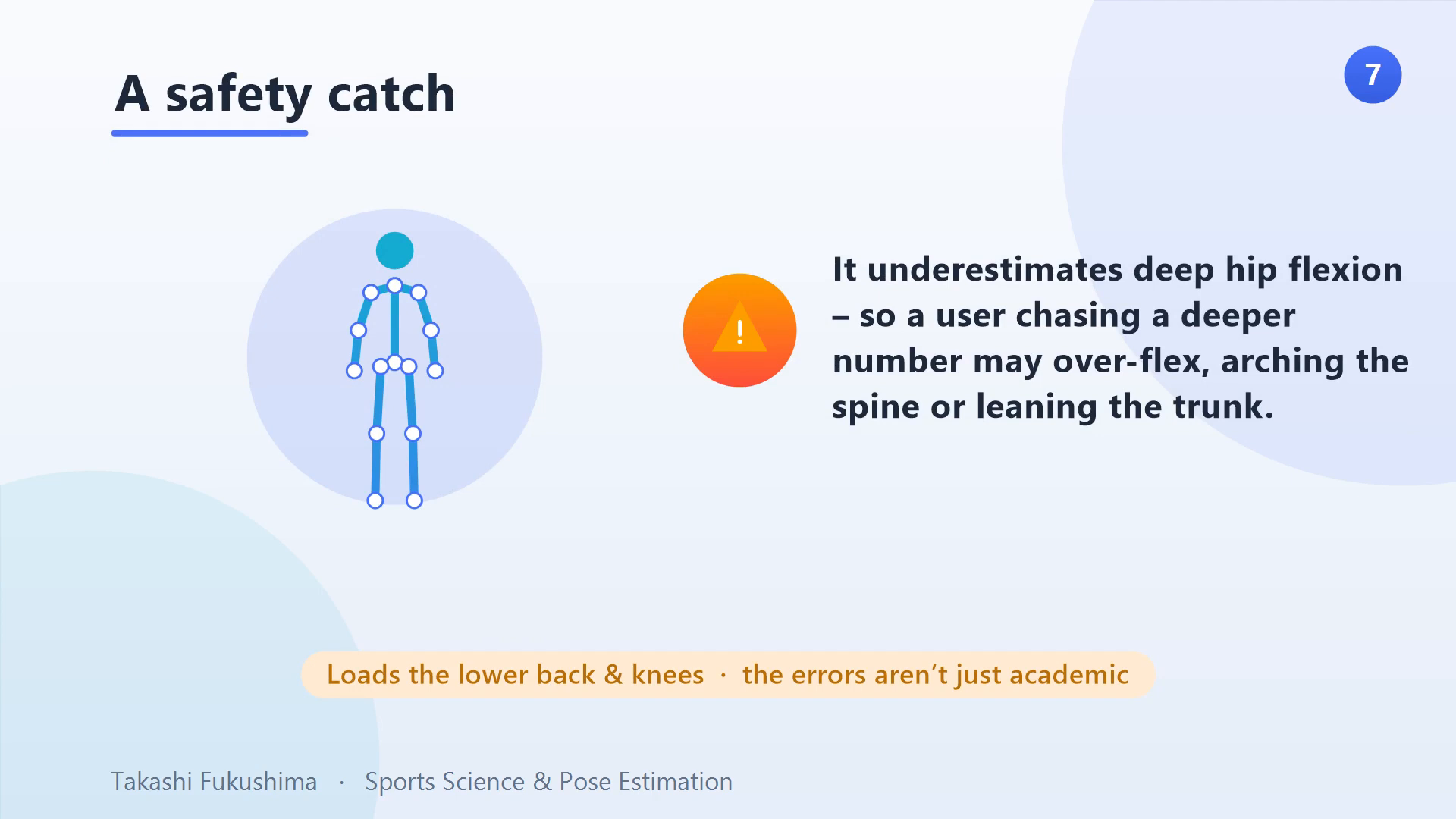
This is not just academic. Because the app underestimates deep hip flexion, someone chasing a deeper number on screen might over-flex — leaning the trunk or arching the spine — which loads the lower back and knees. If you use ARKit for feedback, be aware that a “not deep enough” reading can push you into a riskier position than the number suggests.
How to use ARKit well
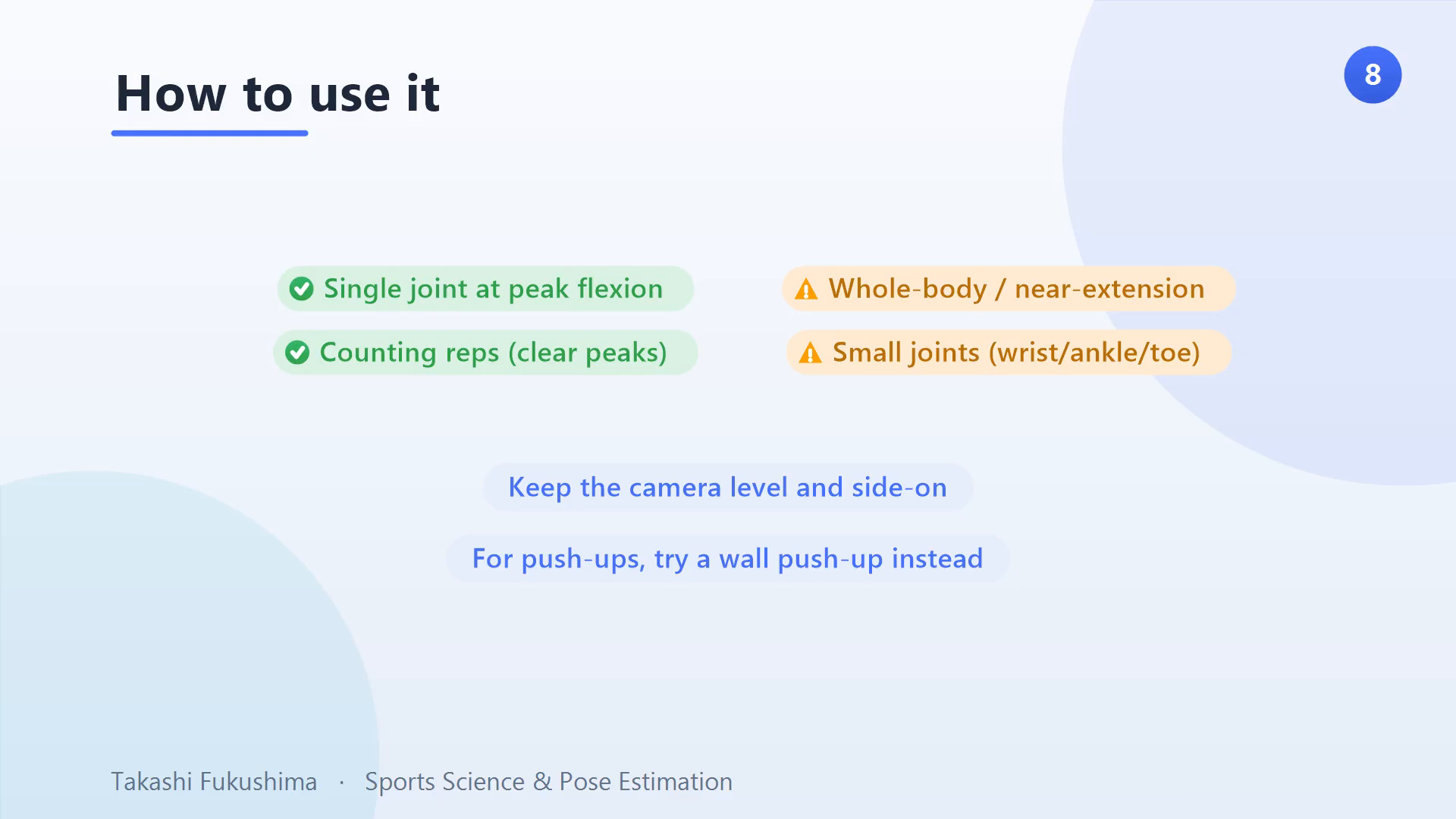
So how should you actually use it? Trust ARKit for a single joint angle at peak flexion — squat depth, for example — not whole-body kinematics or near-extension angles. Keep the camera level and side-on. For push-ups, try a wall push-up instead, so the body is not near the floor. And it is reliable for counting reps, because the angle peaks are always clear. For how ARKit reconstructs 3D in the first place, see our explainer on ARKit 3D motion capture, and how it compares in our roundup of smartphone motion-capture apps.
Frequently asked questions
How accurate is ARKit for motion capture?
For a single joint at peak flexion it is excellent — under about 3° of error for squat, lunge, and push-up peaks. But near full extension or when the body is close to the ground, errors can reach 20° or more, up to 63° for the minimum shoulder angle in a push-up. Accuracy depends heavily on the pose.
Can I use ARKit instead of a motion-capture lab?
Not for full-body kinematics. ARKit is great for targeted single-joint tracking and rep counting, but it compresses range of motion and struggles with small joints and near-ground poses. For research-grade whole-body measurement you still want multiple cameras or a marker-based system.
Why does the skeleton look perfect but the numbers are wrong?
Because the 3D skeleton is rendered on a flat screen, it can look aligned while the joint centres sit on the edge of a limb. Overlapping limbs and near-ground poses confuse the app, so a convincing on-screen overlay can hide a large underlying error.
The bottom line
ARKit is genuinely useful for targeted single-joint tracking and rep counting — just not full-body motion capture, yet. Know where it shines and where it breaks down, keep the camera side-on, and treat near-extension and small-joint numbers with caution. For the wider context, start with our foundational overview of motion capture and performance analysis.
Takashi Fukushima — Sports Science & Pose Estimation.
▶ Subscribe on YouTube · Website · ORCID · Contact