Can a smartphone app really measure how you move — accurately enough to matter? Before you trust one, it is worth asking what the research shows. Five smartphone motion capture apps have been validated against gold-standard systems such as VICON, and this post (summarised in the video above) walks through what each study found — app by app, with the actual error numbers — so you can see how close phone-based motion capture really gets.
Table of Contents
How well validated are smartphone motion-capture apps?
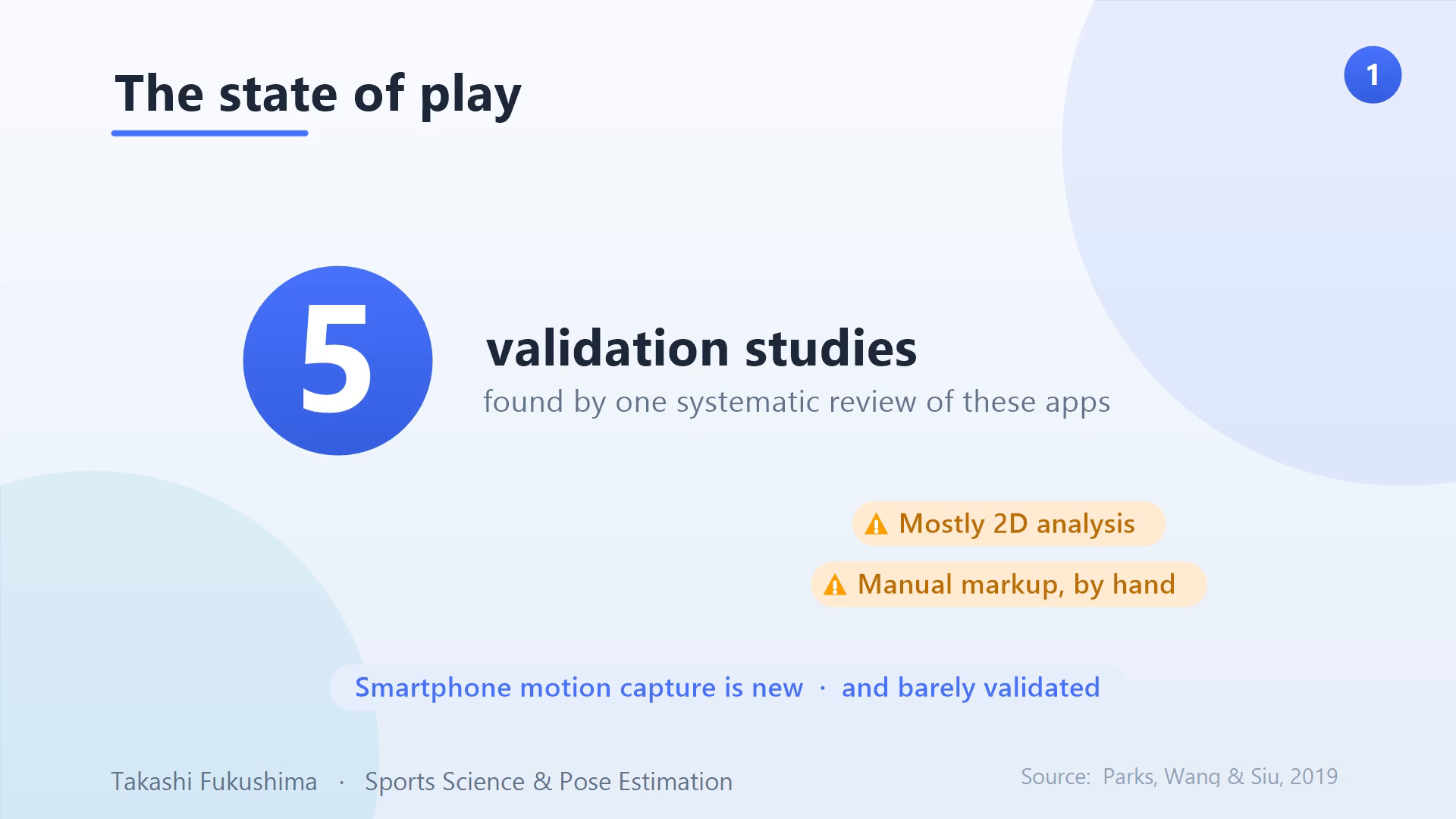
These apps are new, and rigorous validation is surprisingly rare — one systematic review found only five qualifying studies. Most of the apps also share two traits: they work in 2D, and they need a human to mark up the video by hand. That context matters before reading any single accuracy number: the evidence base is thin, and the conditions each app was tested under vary a lot.
The 5 apps at a glance
Here is how the five smartphone motion capture apps compare on what they measure, how they were validated, and where they fall short.
| App | What it measures | Dimensions | Validated against | Reported accuracy |
|---|---|---|---|---|
| ViMAS | Gait knee angle | 2D | 3D motion capture | ~3–6° error |
| KinesioCapture | Drop-jump knee & hip (iPad) | 2D | VICON | ICC > 0.7 (hip strong, knee weak) |
| Coach’s Eye | Treadmill-running joints | 2D | VICON | 3–7° mean, up to 20° bias |
| LGait (ARKit) | Gait hip angle | 3D | VICON | Hip ≈ VICON; weaker small joints |
| SmartGait | Step length, width, speed | 2D + markers | Pressure walkway | < ~6% error |
App 1: ViMAS
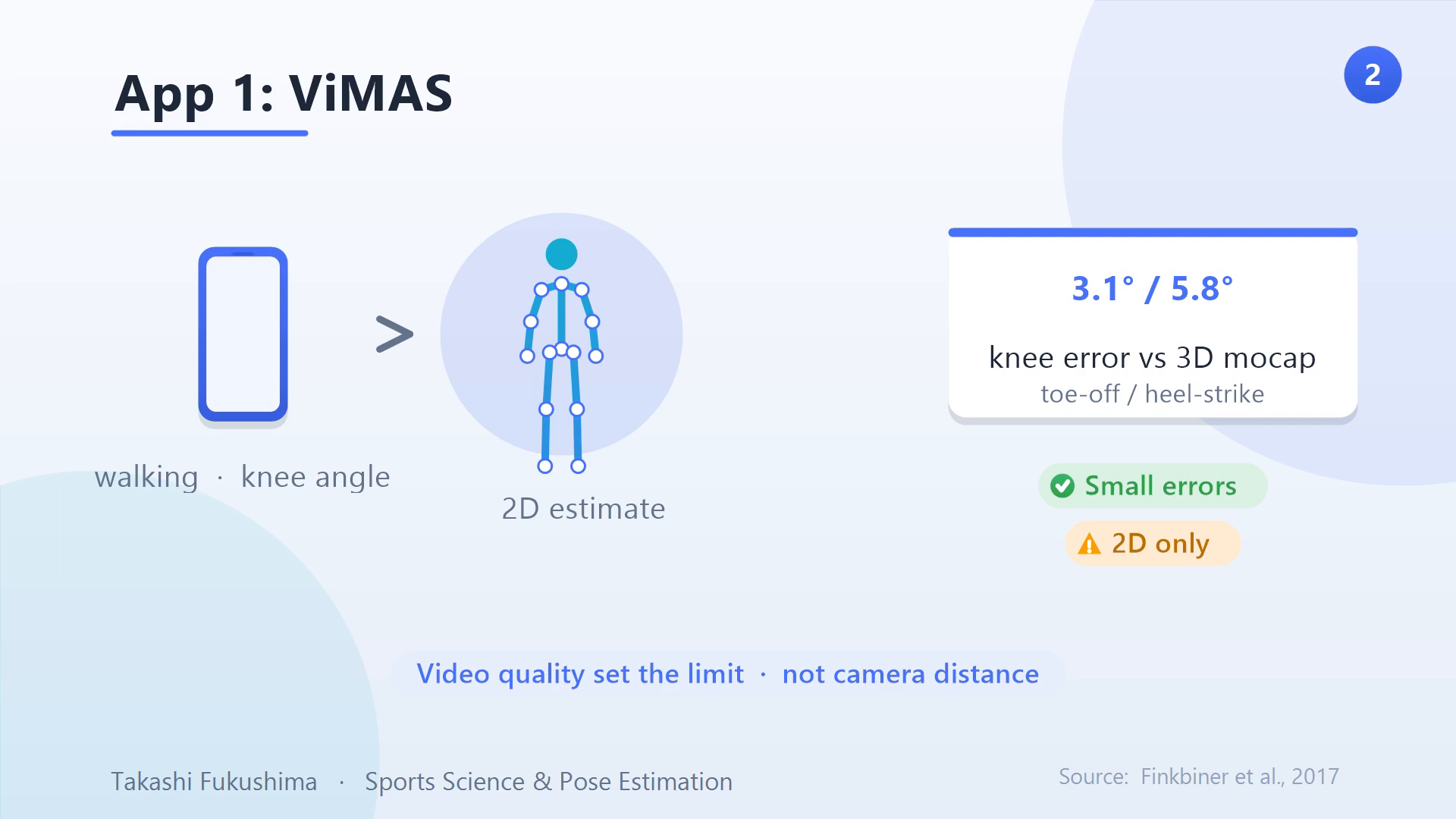
Researchers measured knee angles during walking with ViMAS and compared them to a 3D system. The errors were small — about 3° and 6° at toe-off and heel-strike. Interestingly, camera distance did not matter, but video quality did: resolution and frame rate were the real limits. The catch is that with a single phone the analysis is strictly 2D.
App 2: KinesioCapture
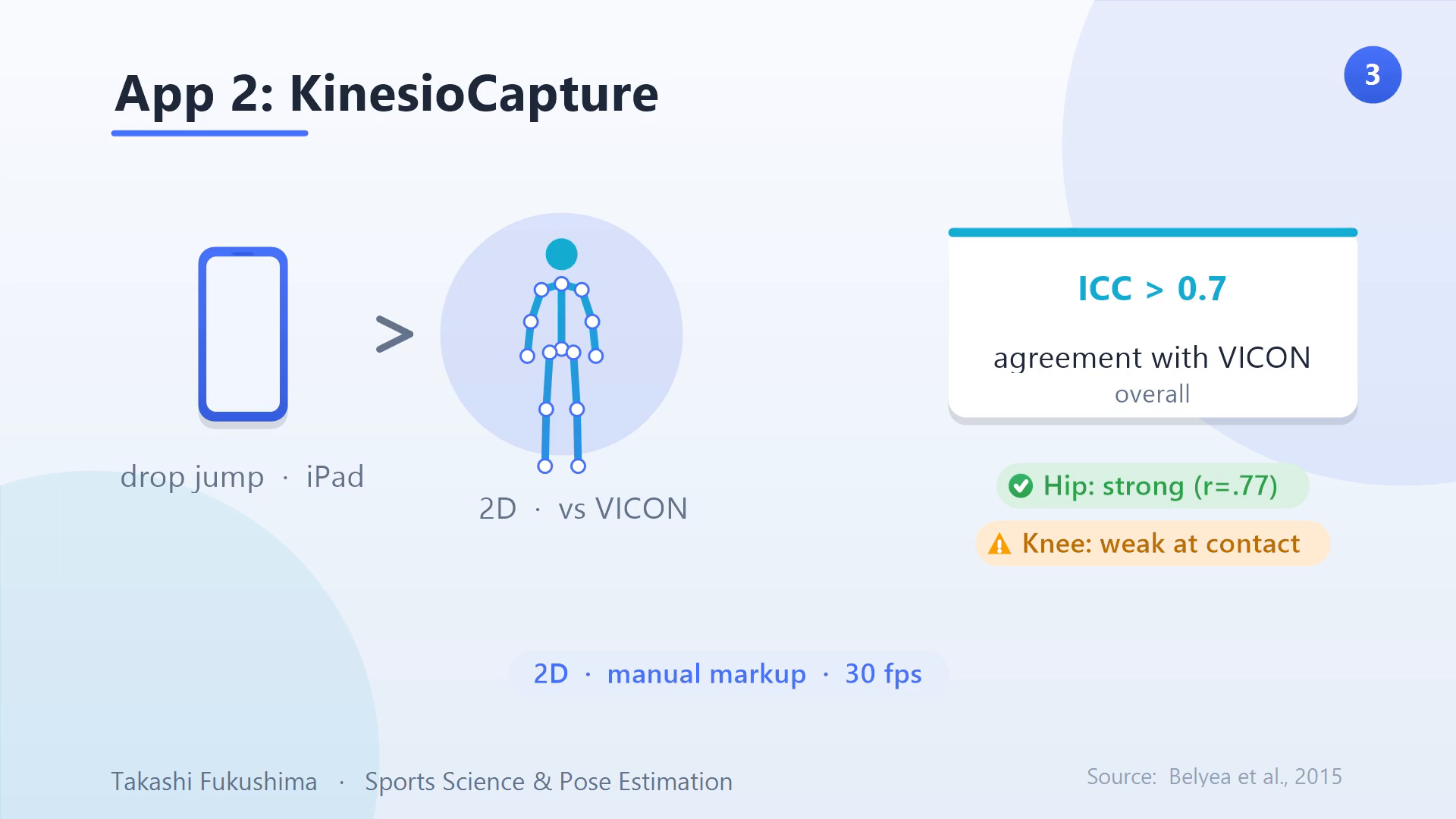
KinesioCapture was tested on an iPad against VICON during a drop jump. Agreement was solid overall (ICC above 0.7) but not everywhere: it tracked the hip well, with a strong correlation, yet struggled with the knee — especially at initial contact. Like most of these apps, it is 2D only and was recorded at 30 frames per second.
App 3: Coach’s Eye
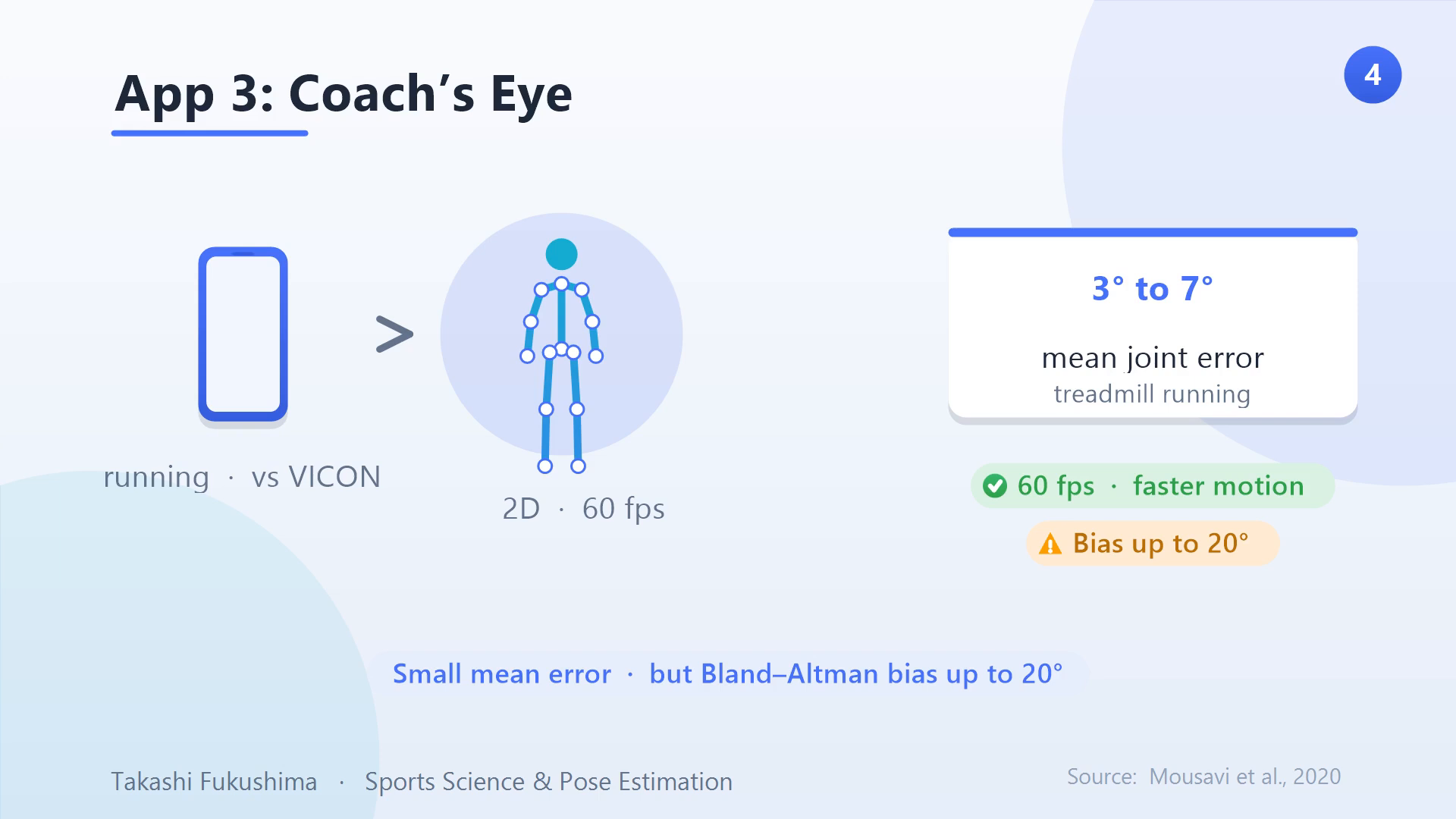
Coach’s Eye measured hip, knee, and ankle during treadmill running versus VICON. Mean errors were 3–7°, but a Bland–Altman analysis revealed biases as large as 20° in some measurements. Its edge over the previous apps is 60 frames per second, so it captures faster motion more cleanly — though it is still 2D.
App 4: LGait (ARKit)
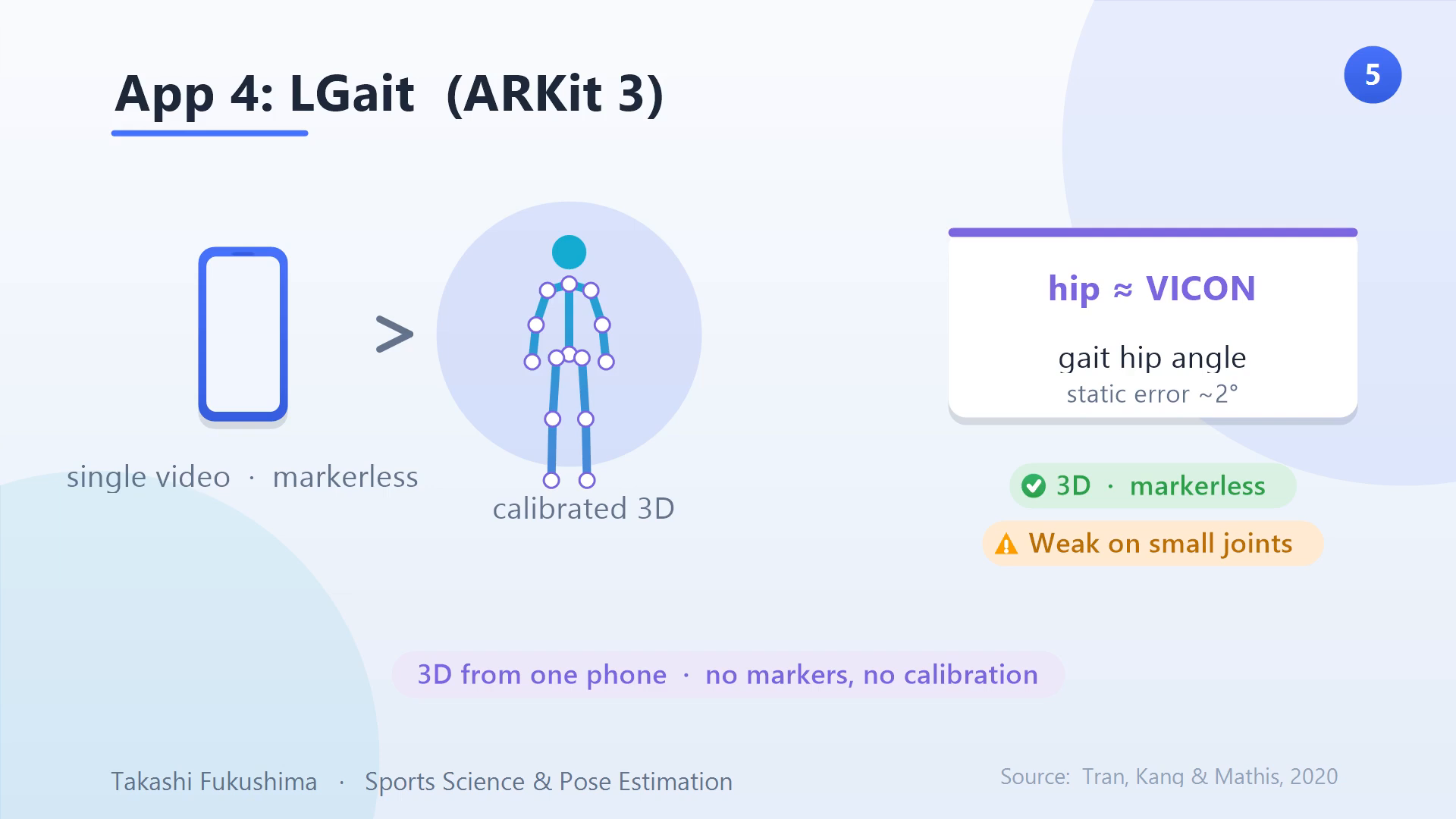
LGait is the standout, built on Apple’s ARKit. From a single video, with no markers and no calibration, it reconstructs movement in 3D. Its hip angles during walking nearly matched VICON, and a static pose was off by just 2°. Its weakness is small joints, like the toe and ankle, and flexion more than extension — but 3D from one phone, markerless, is a genuine leap. For how ARKit does this, see our explainer on ARKit 3D motion capture.
App 5: SmartGait
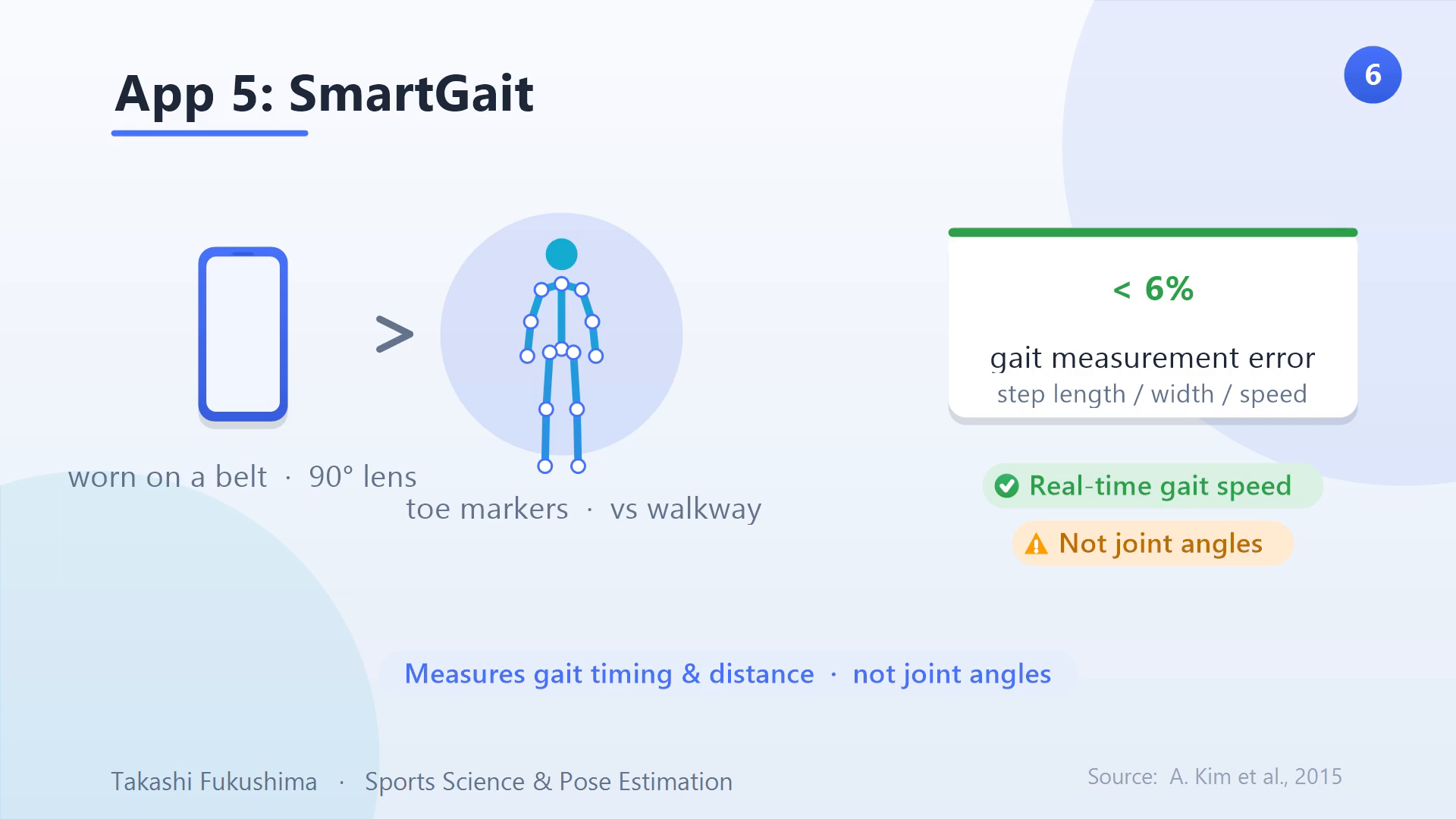
SmartGait takes a different tack entirely: a phone is worn on a belt, with a 90° lens looking down at markers on the toes. It measures step length, width, and speed against a pressure walkway, with errors under about 6%. The catch is that it captures gait timing and distances, not joint angles, and it depends on the toe markers staying visible.
What the studies have in common
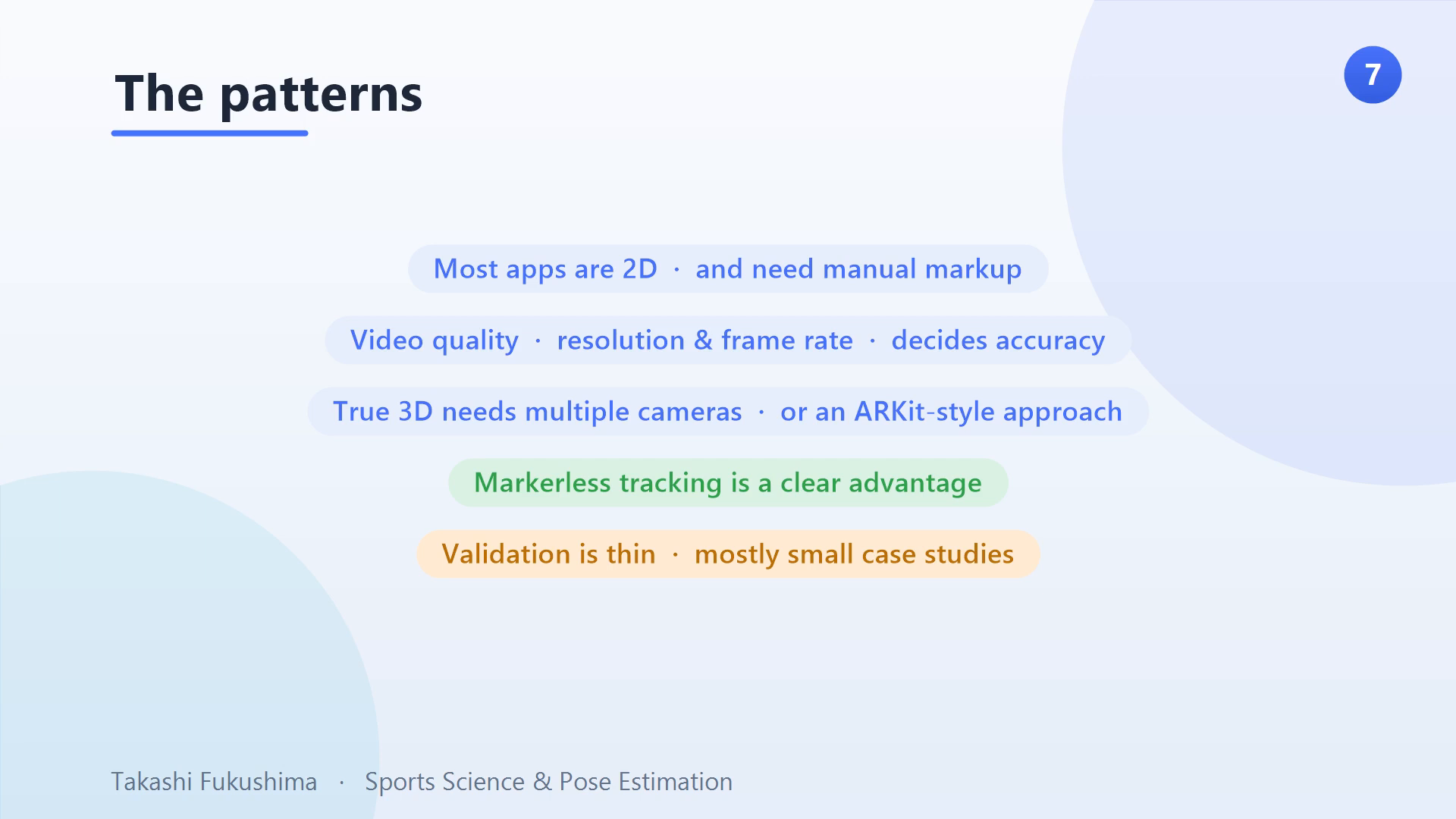
Step back and a clear pattern emerges. Most of these apps are 2D and manual. Video quality — resolution and frame rate — repeatedly decides accuracy. True 3D needs either multiple cameras or an approach like ARKit. Markerless tracking is a clear advantage. And across the board, the validation is thin, mostly small case studies. For the bigger picture of how these setups differ, see our overview of 3D markerless motion capture approaches and our breakdown of pose estimation accuracy across six models.
Frequently asked questions
How accurate are smartphone motion-capture apps?
For joint angles, validated apps report roughly 3–7° of error against gold-standard systems — small on average, but individual measurements can drift up to about 20°. Gait distance measures like step length can be within about 6%. Accuracy depends heavily on video quality and the specific joint.
Which app gives true 3D motion capture?
Of these five, only LGait produces true 3D from a single phone, because it is built on Apple’s ARKit and needs no markers or calibration. The others are 2D, so they see one plane at a time and can misread rotation.
Can I use these apps for clinical or sports decisions?
Not yet, at least not on their own. The validation evidence is still thin — mostly small case studies — so these tools are promising for screening and feedback but need larger, more rigorous studies before they can be trusted for clinical decisions.
The takeaway
The smartphone is genuinely closing the gap on lab motion capture, especially with ARKit-style 3D. Which app fits your needs depends on what you are measuring: knee angles, running kinematics, or gait distances. The missing piece is rigorous validation at scale before these tools can be trusted for clinical decisions. For the wider context, start with our foundational overview of motion capture and performance analysis.
Takashi Fukushima — Sports Science & Pose Estimation.
▶ Subscribe on YouTube · Website · ORCID · Contact